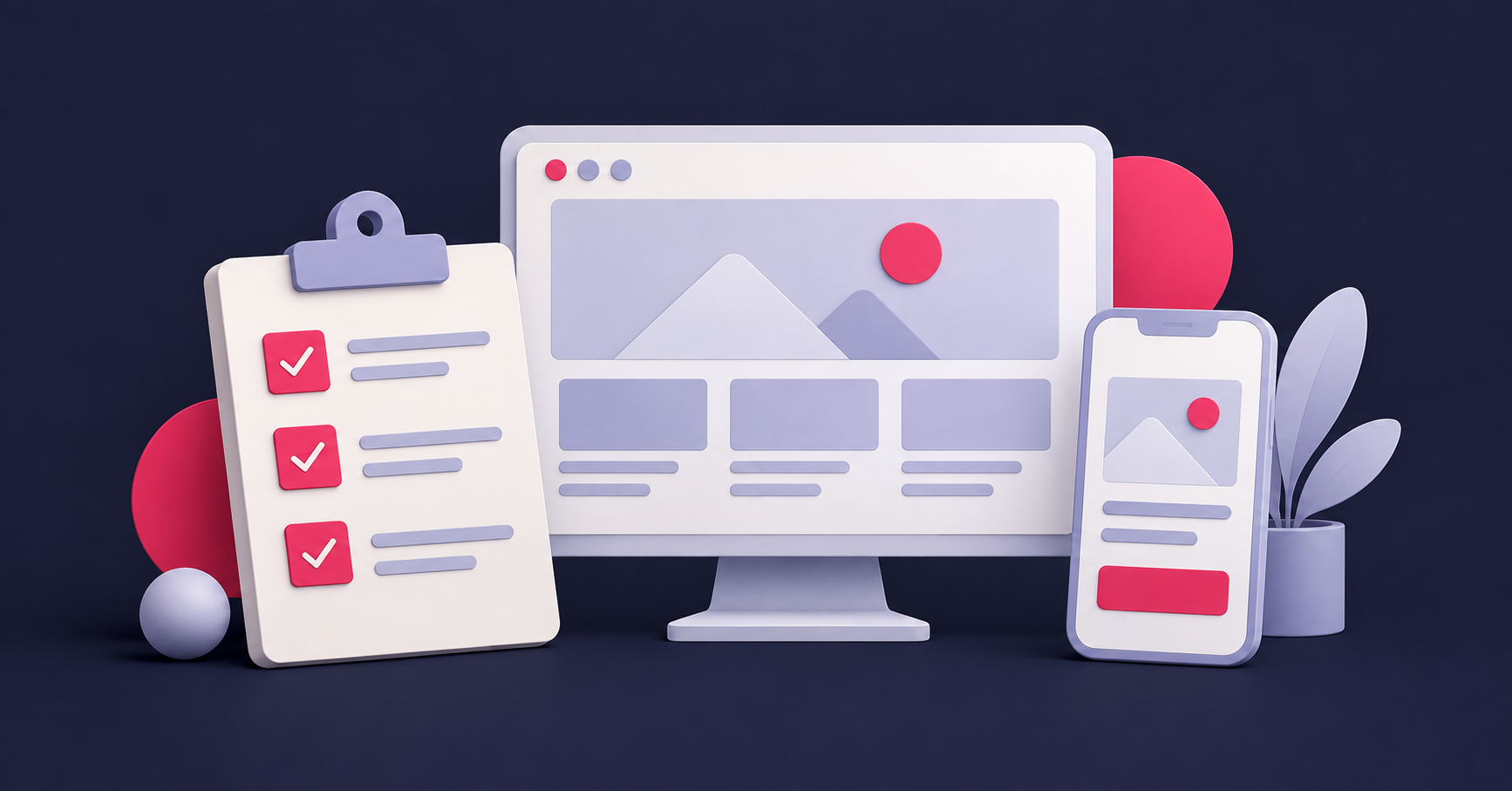
A website brief checklist helps you explain what the business needs before the conversation turns to colours, layouts and quotations. You do not need technical knowledge or a lengthy document. You need enough clarity for a website partner to understand the job.
A useful brief also makes proposals easier to compare. If one agency has allowed for writing the content, another expects you to supply it and a third has excluded ongoing support, the totals describe different projects.
Start with the change you want to make
“We need a more modern website” is a starting point, but it leaves the underlying problem unclear. Explain what is happening now and what you want customers to be able to do instead.
For example: “Visitors often ask whether we work on smaller residential projects. We want the website to explain our project types, show relevant examples and make it easy to send photographs with an enquiry.”
That gives the design, copy and enquiry form a purpose. It is more useful than asking for a website that looks like a competitor’s without explaining why.
Describe the customers and services that matter most
List your priority services and the customers who buy them. Include the areas you genuinely serve, the kinds of projects that suit the business and any enquiries you regularly receive that are not a good fit.
You might serve homeowners and commercial customers, but they may need different examples and information. Identify those differences rather than forcing every visitor through the same explanation.
For a local business, explain whether Doncaster is the main market or one part of a wider service area. That helps shape the content without making unrealistic assumptions about who the website should attract.
Decide what the website needs to explain
Begin with a simple page list. For many service businesses, that means a homepage, an overview of the business, individual service pages, project examples and contact details. Add other pages when they serve a clear purpose.
Under each proposed service page, note the questions people ask before becoming a customer:
- Is this service suitable for my situation?
- What is included and what might cost extra?
- What do you need from me before quoting?
- How does the work progress?
- Can I see a relevant example?
Your first list does not have to be final. It gives the website team something concrete to discuss and prevents important content being discovered only at the end of the build.
List the content you already have
Gather your current logo files, brand colours, useful photographs, approved testimonials and examples of completed work. Identify what can be reused and what needs updating.
Be clear about responsibility for the missing pieces. Will your team write the service copy? Does the project need copywriting, photography or graphics? Who can check factual details and approve the finished pages?
Real project images can be valuable, but they need context. A photograph becomes more useful when the accompanying text explains the customer’s problem, the work involved and the outcome you can honestly support.
Define the enquiry journey
Choose the main action you want a visitor to take. It may be requesting a quote, booking a conversation or sending a brief. Describe what information the business needs and how someone will respond.
For example, a quotation form might ask for the service, location and a short project description. It should not collect information simply because the form has room for another field.
Include the steps after submission: confirmation, who receives the enquiry and what the customer should expect next. If a campaign needs its own focused route, discuss whether a landing page is part of the scope.
Protect anything that already works
Tell the team about existing pages that bring enquiries, useful search traffic, important downloads and integrations your business relies on. Include access requirements and who owns the domain and hosting.
A replacement website should account for useful URLs and existing customer journeys. Read our guide to choosing between a website redesign and a rebuild before assuming everything needs replacing.
Be clear about budget, timing and support
Give a realistic budget range and explain any deadline. A launch tied to an event has different implications from a preferred completion date. Mention dependencies such as photography, product information or approval from another decision-maker.
Ask what happens after launch: who maintains the site, how updates are handled and what training or ongoing support is included. A clear handover matters just as much as an attractive first impression.
A short brief you can complete today
- The business: what we do, who we serve and where we work.
- The problem: what the current website makes difficult.
- The priority: the most useful action a visitor should take.
- The pages: services and information the website must cover.
- The content: what is ready, what is missing and who will approve it.
- The essentials: forms, bookings, payments or other required connections.
- The practicalities: budget range, timing, decision-maker and support needs.
Use those answers to start a conversation about WordPress web design with Ascend. Our guide to choosing a web design agency in Doncaster will also help you assess the proposals you receive.
Find out where to start
Take Ascend’s free Marketing Health Check to see your scores and recommended next steps.